Exam-week arithmetic
Class scores scaled to 50, exams scaled to 50, totals, grades and positions — worked out with a calculator, at night, while tired.
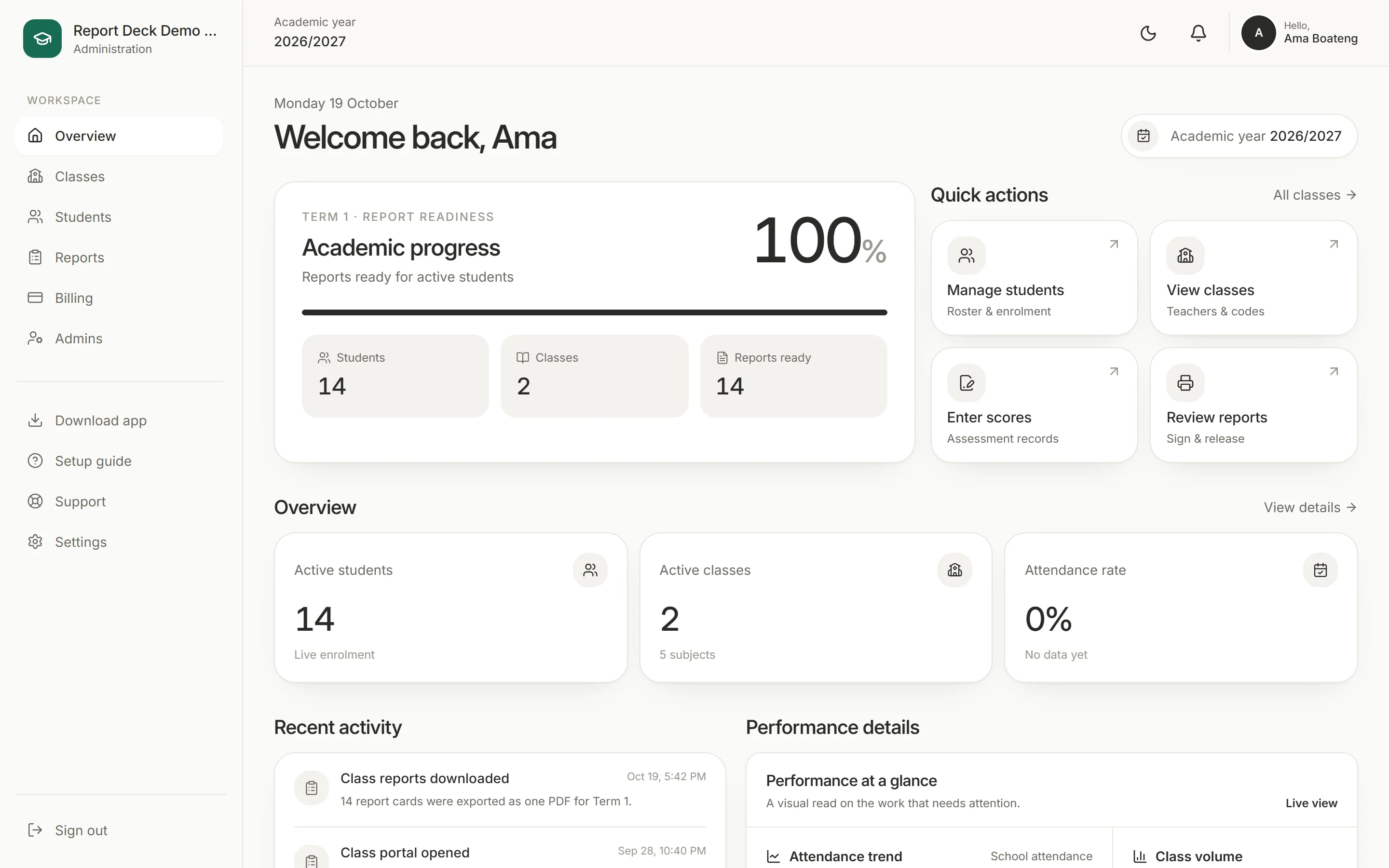
Report Deck is a zero-mistake report system for schools. Teachers record attendance and scores as the term happens; Report Deck does the maths and assembles every report for the head teacher to sign and release.
Why this exists
Schools don't struggle with report cards because staff are careless. They struggle because the process runs on paper and mental arithmetic, all in the weeks everyone is most tired.
Class scores scaled to 50, exams scaled to 50, totals, grades and positions — worked out with a calculator, at night, while tired.
Paper is final. A misspelt name or a wrong mark after signing means printing, re-signing and handing out the whole batch again.
Minutes of lesson time every morning, and still someone has to count days present per pupil at the end of term.
The product
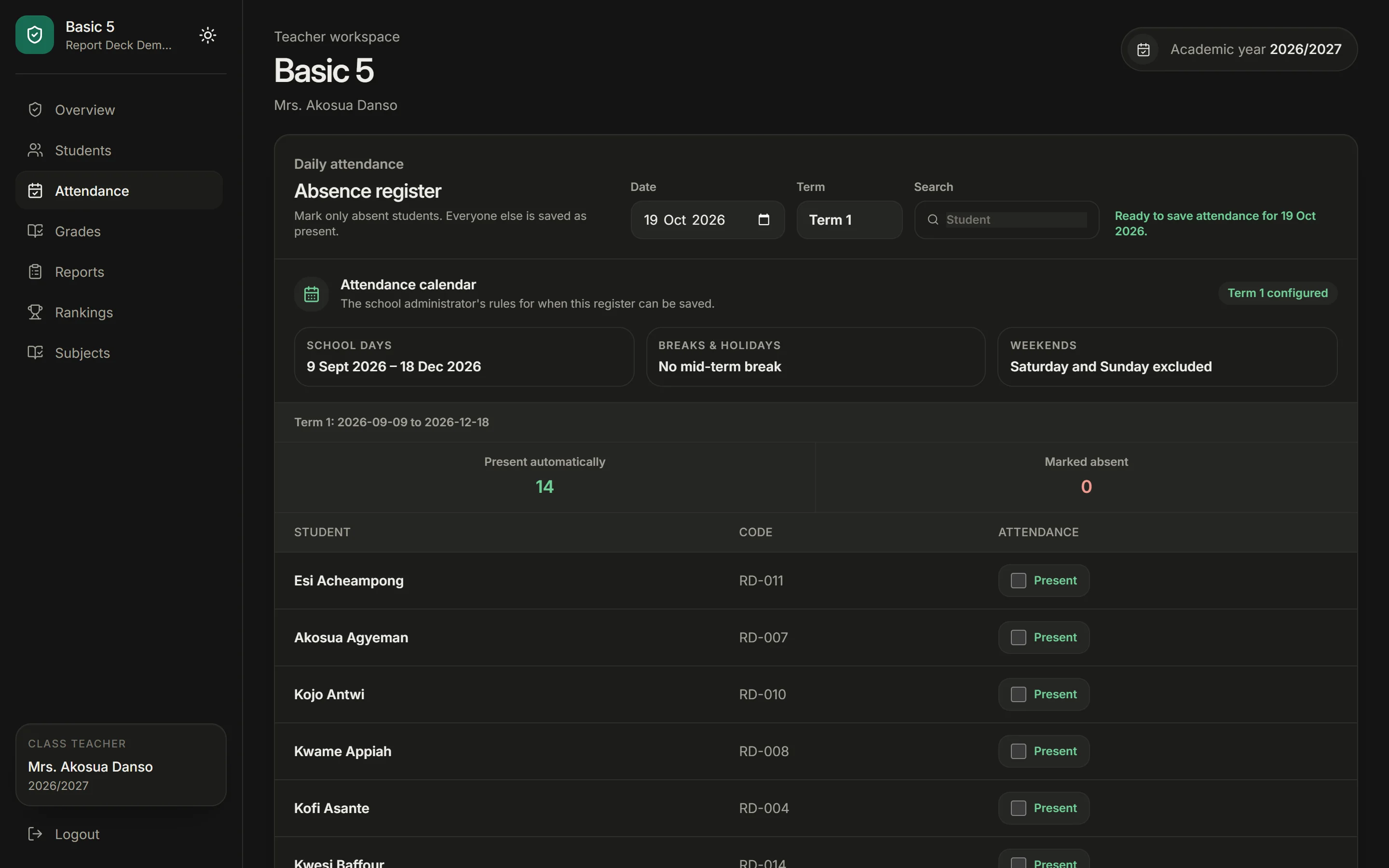
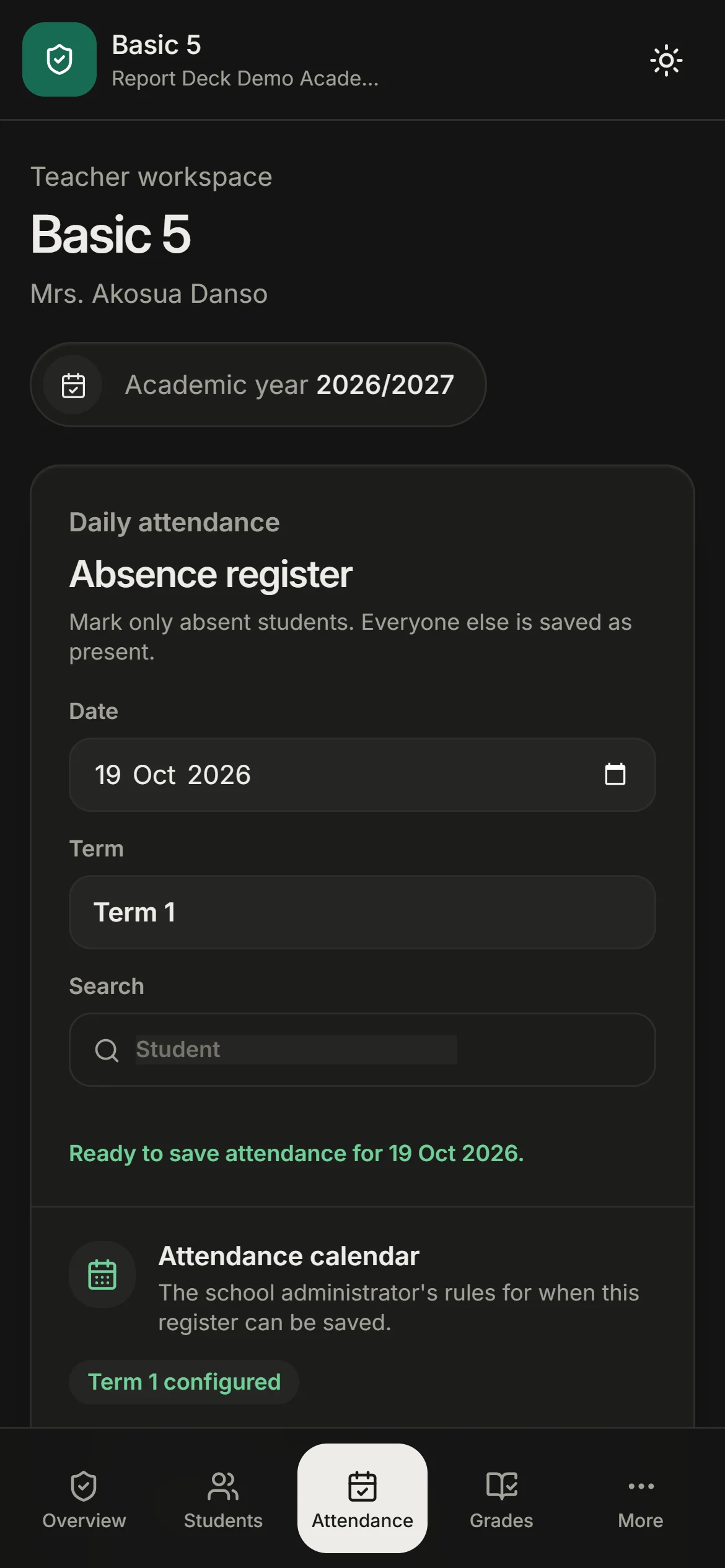
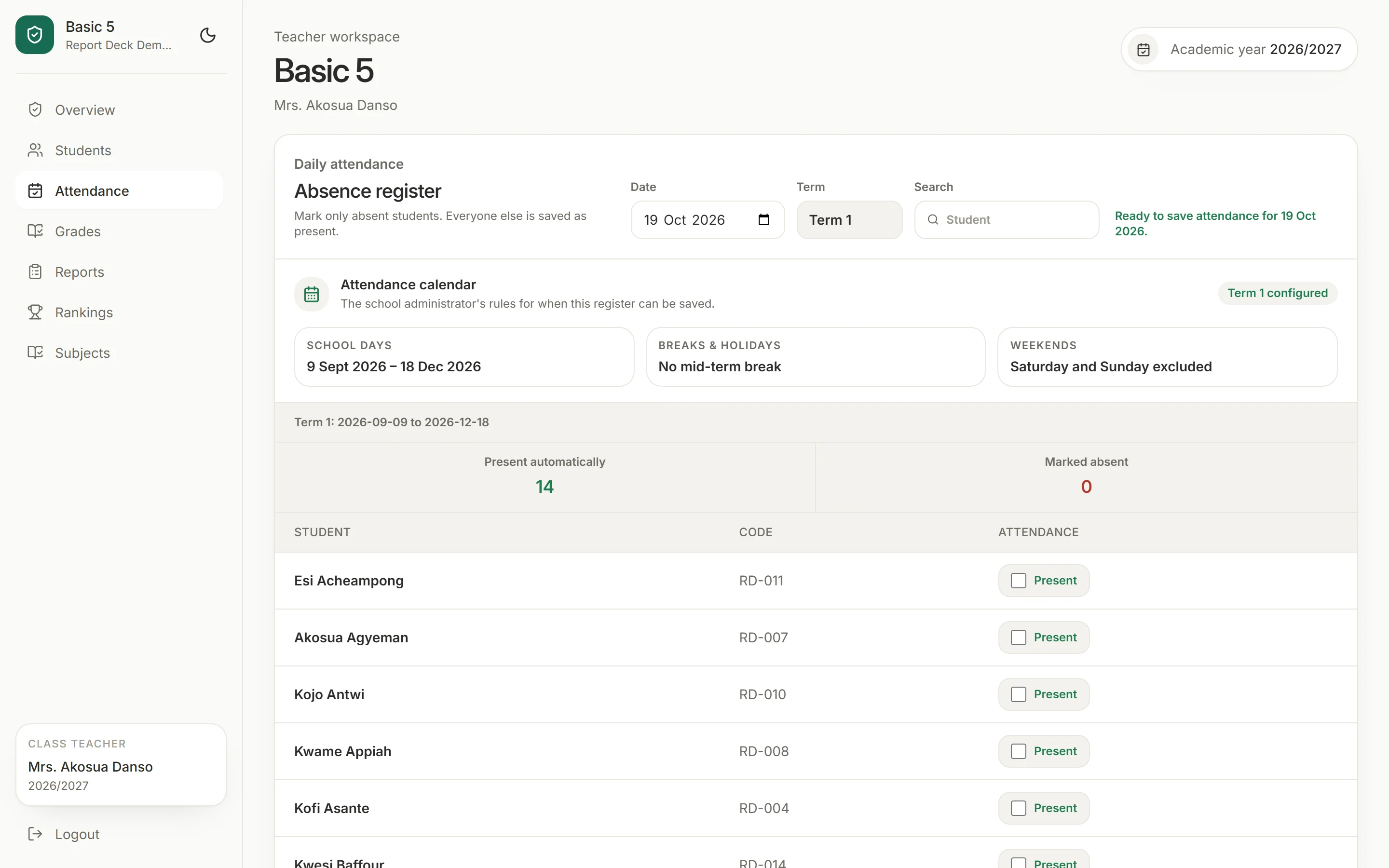
Everyone starts present. Teachers tap only the pupils who are absent and save — the term calendar blocks weekends, holidays and the mid-term break automatically.
For teachers
No laptops to share, no accounts to manage. Teachers open their class from any phone and keep working when the signal drops.
A code, not a login
School name and class code — that's all a teacher needs.
Offline first
Saved on the phone, synced when the signal returns.
Installs like an app
Add to the home screen on Android or iPhone.
Only their class
Teachers see their own pupils and nothing else.
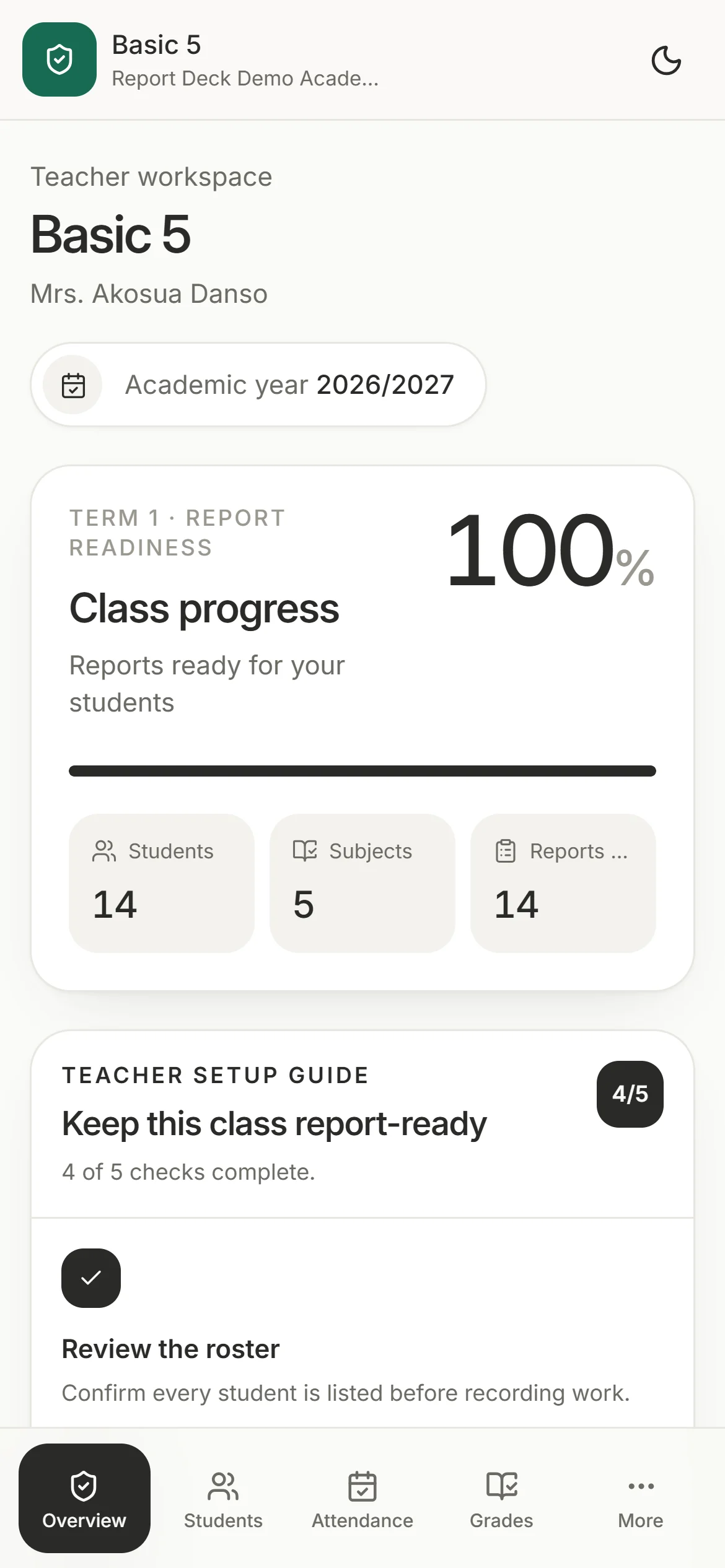
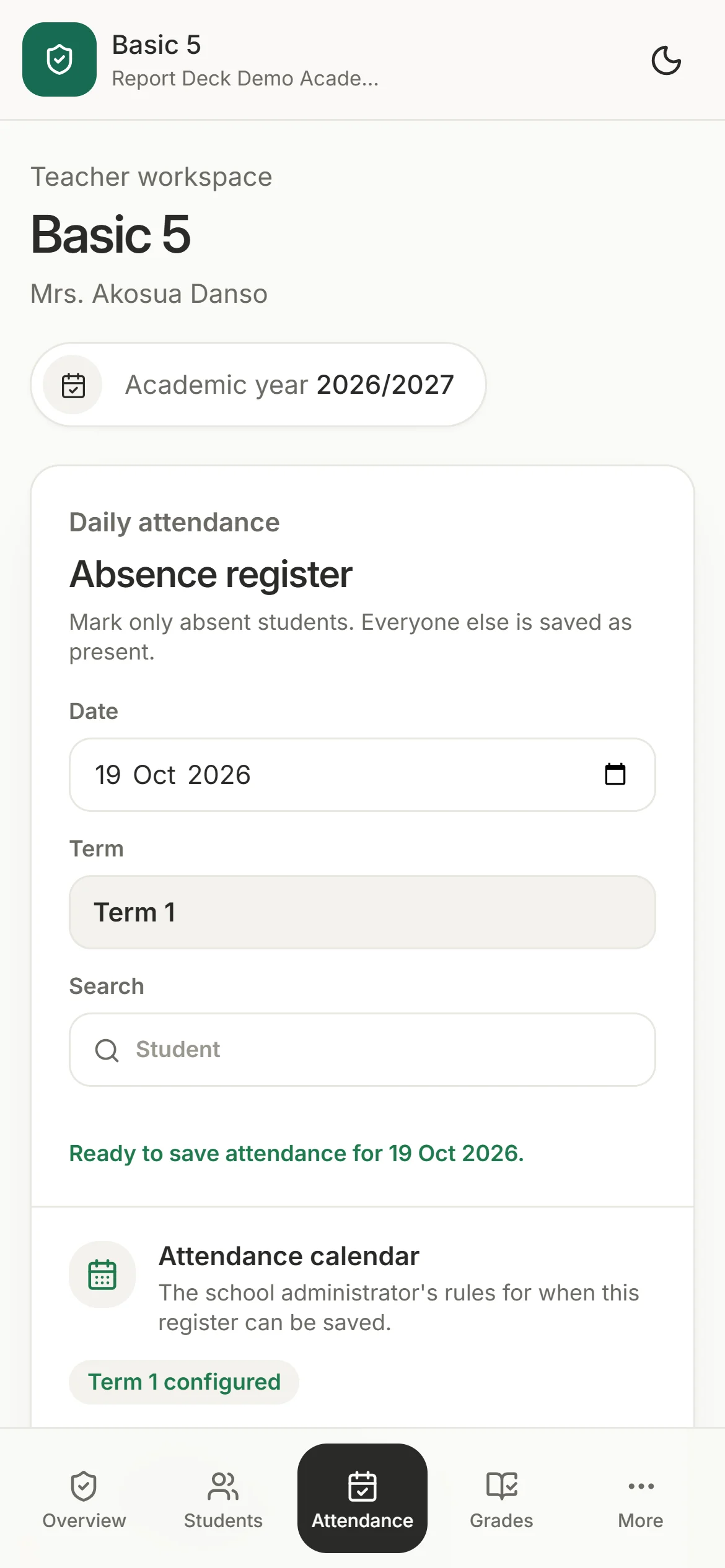
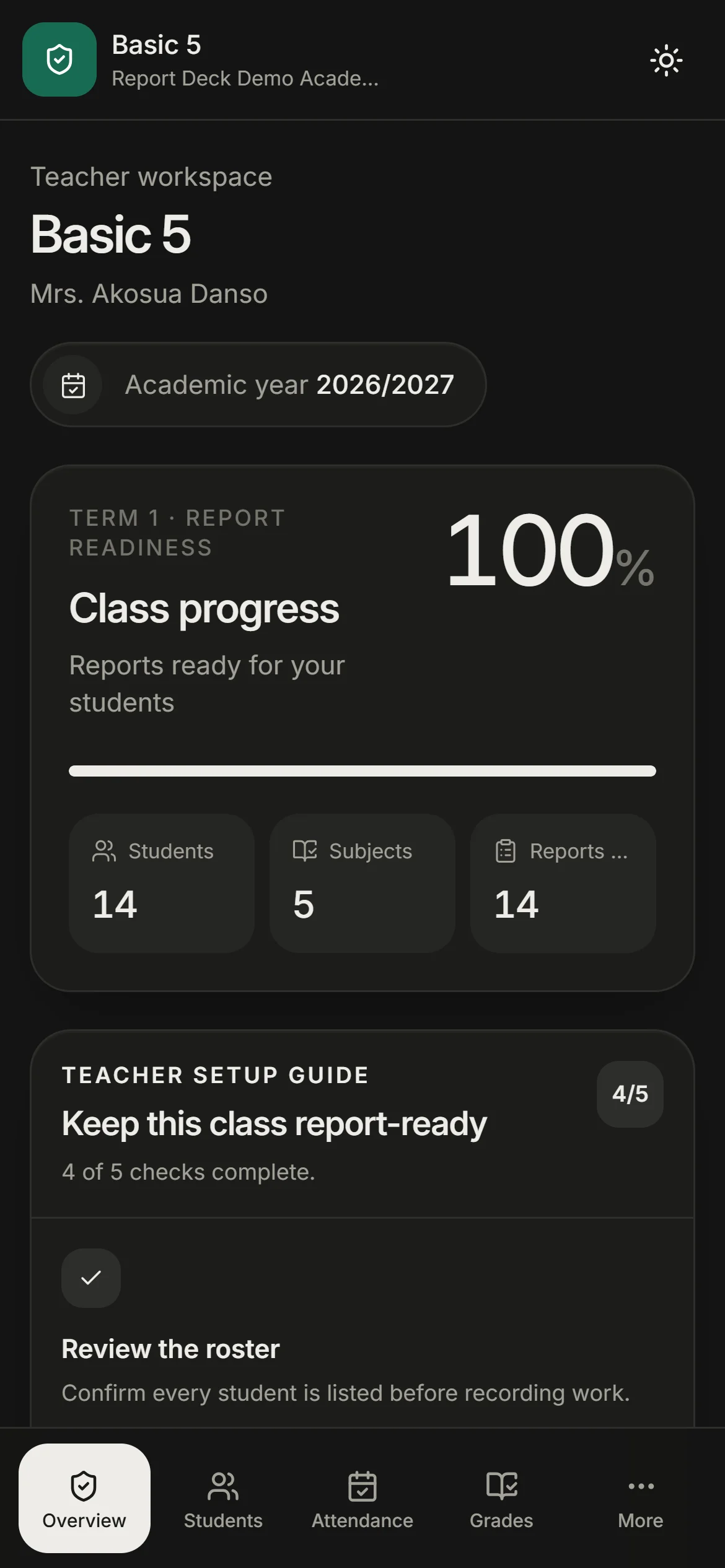
Records are captured once, during the term. By report day the work is already done — the head teacher only reviews it.
Everyone starts present. Tap only the absent pupils, then save the register.
Type each mark once. Totals, grades and class positions appear on their own.
Generate from the saved records, add conduct and a remark, then submit.
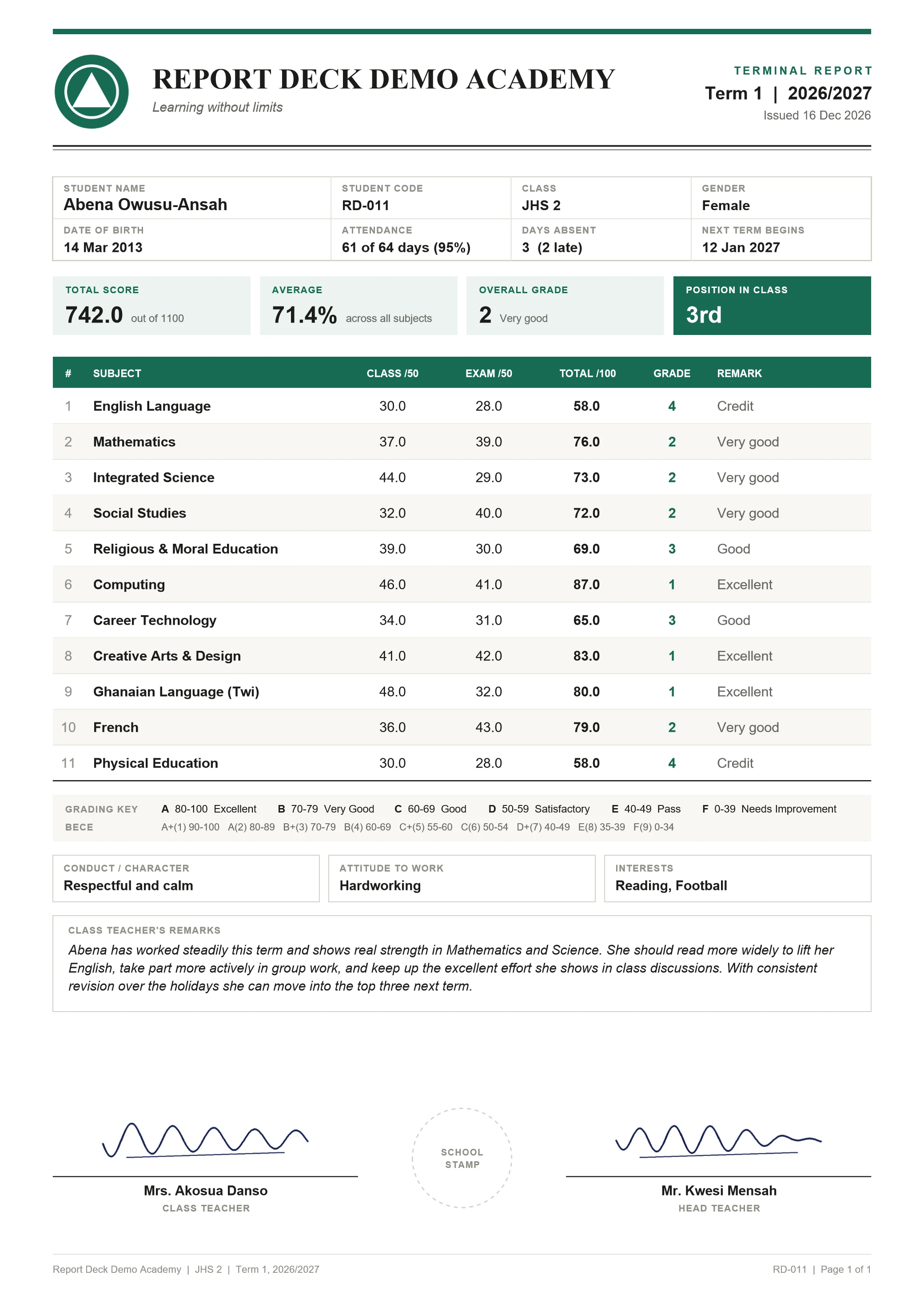
The report card
Every report is a clean, signed A4 page in your school's own identity — the same layout on screen, in the PDF and on paper.
Always one A4 page
Rows adapt to the subject list, so 5 or 15 subjects still fit with room to spare.
Signatures in the same place
Class teacher, school stamp and head teacher sit at the foot of every page.
Your school's identity
Logo, motto and colours on the letterhead and table.
The numbers parents look for
Total, average, overall grade and position, up front.

Not another school management suite.
Report DeckversusPaper registersSpreadsheetsSchool suitesReport Deck does one job: accurate, signed end-of-term reports.
Paper is familiar, spreadsheets are fast for the few who love them, and school suites try to run everything. Report Deck fits how schools already work — so a school is running within a week, on the phones teachers already carry.
Paper registers
Manual maths, slow signing, reprints
Spreadsheets
Fragile formulas on one person's laptop
School suites
Costly, complex, built for everything else
What changes for your school
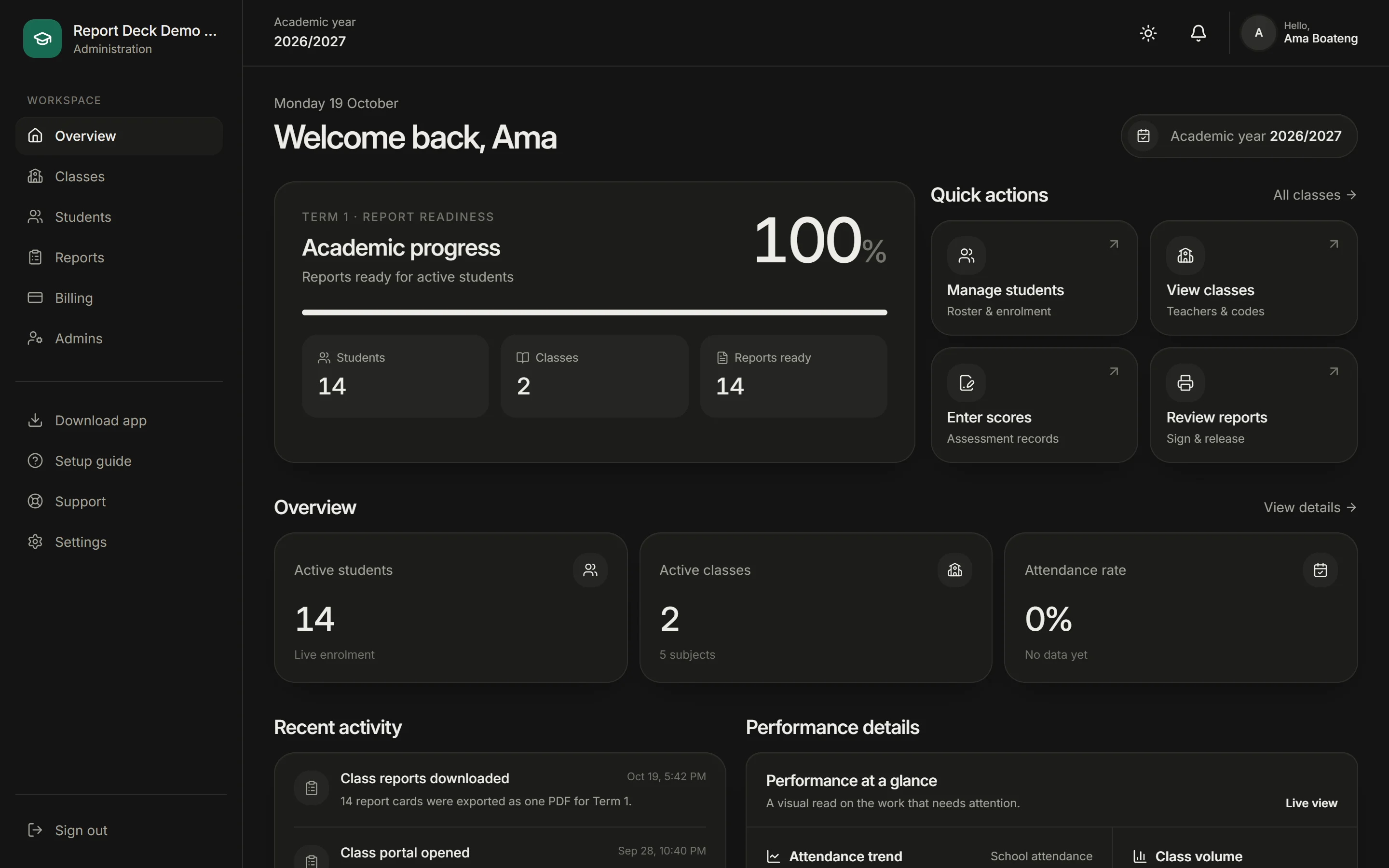
The head teacher reviews, signs and releases every class together.
Every total, grade and position is computed from submitted scores.
See which classes are complete without chasing anyone.
Registers, scores and remarks save offline and sync later.
Every class, student, score and report belongs to the correct school.
Teachers see their class. Administrators see the school. Nobody works around anyone else's job.
Reports are generated from the verified records already saved in Report Deck.
Pricing
Priced by the number of pupils, with every feature included. Pay in one go or in parts — everything works before the licence is settled.
Up to 50 students
GHS300
per term
Create your school51–100 students
GHS500
per term
Create your school101–200 students
GHS800
per term
Create your schoolLarger school?
Above 200 pupils, each additional pupil adds GHS 5 to the term licence. Pupils are counted once, when the term's first scores are entered.
Questions
Something else on your mind? Signed-in schools can reach our team from Support in the dashboard.
No. Teachers open their class with the school name and a shared class code from the administrator. There is nothing to install and no password to reset.
Attendance, scores and report details save on the phone while offline and sync automatically when the signal returns.
Report Deck. Class work and exams are scaled and added, grades are applied, and the class is ranked automatically from submitted scores.
Yes. Teachers can edit freely until they submit. After that, an administrator can reopen the class's reports so the teacher can correct and regenerate them.
A flat licence per term based on how many pupils you have. You can pay in one go or in parts, and everything works before the licence is settled — only the final report downloads wait for full payment.
Schools appear in the teacher search only after our team verifies them. Check the verification email sent when you created the school.
Create your school, add your classes, and give teachers their class code. Follow the guided setup and teachers can be marking attendance within the week.